
SSR -Getting Started with SSR
Supplier Statement Reconciliation (SSR) automates the process of matching supplier statements against invoices and credit notes already processed in Kefron. The feature reduces manual effort, improves matching accuracy, and helps users identify discrepancies before payment processing.
Benefits
- Reduces manual reconciliation effort
- Improves document matching accuracy
- Identifies discrepancies early
- Supports faster supplier query resolution
- Helps prevent overpayments and duplicate payments
How SSR Works
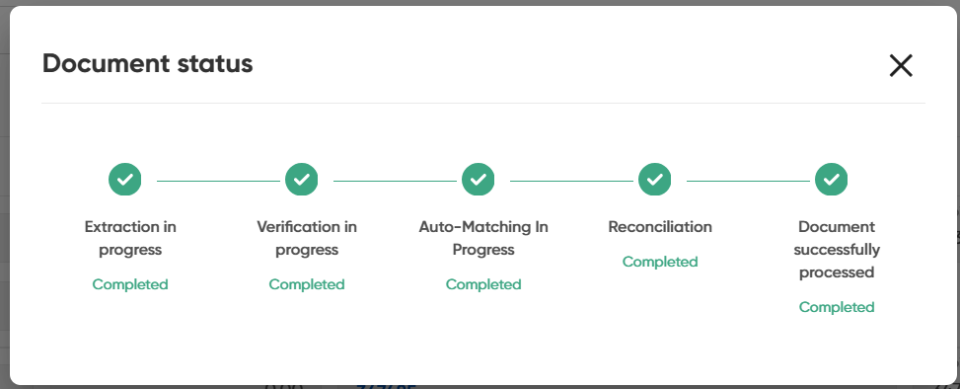
Supplier statements can be submitted through the normal document ingestion process, either by email or upload. Once received, the statement progresses through the following workflow stages:
| Status | Description |
|---|---|
| Extraction in Progress | Statement data is extracted from the document. |
| Verification in Progress | Users can review and correct extracted information if required. |
| Auto-Matching in Progress | The system looks for matching invoices and credit notes. During this process, the document is read-only. If all documents are found, the system tries to match the statement automatically |
| Reconciliation | The statement couldn’t be matched automatically because of discrepancies or a missing document, so a user review is needed to complete the matching. |
| Document Successfully Processed | Reconciliation is complete, and no further action is required. |