
SSR -Understanding Auto-Matching
When a Supplier Statement leaves the Verification status, the system automatically attempts to match statement lines with invoices and credit notes already processed in Kefron.
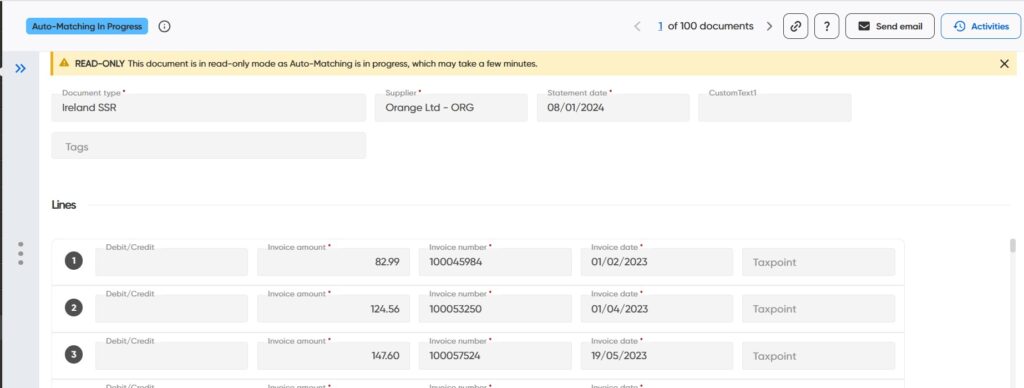
How Auto-Matching Works
The system compares information from the supplier statement against documents (invoices and Credit notes) already in Kefron, including:
- Document Number
- Document Date
- Document Type (Debit or Credit)
- Document Total
- Document status (the customer can decide whether to match documents across all statuses or only the ones that were successfully processed)
Automatic Reconciliation
The statement will be automatically reconciled when all matching criteria are identical between the statement and the invoice/credit note.
Matching Scenarios
The system can automatically suggest one-to-one matches where a single statement line corresponds to a single invoice or credit note.
For more complex scenarios, such as many-to-many matching, user intervention is required. In these cases, the statement is routed to Reconciliation, where users can manually complete the matching process.
Exception Handling
If any discrepancies are detected, the statement is sent to the Reconciliation stage for review.